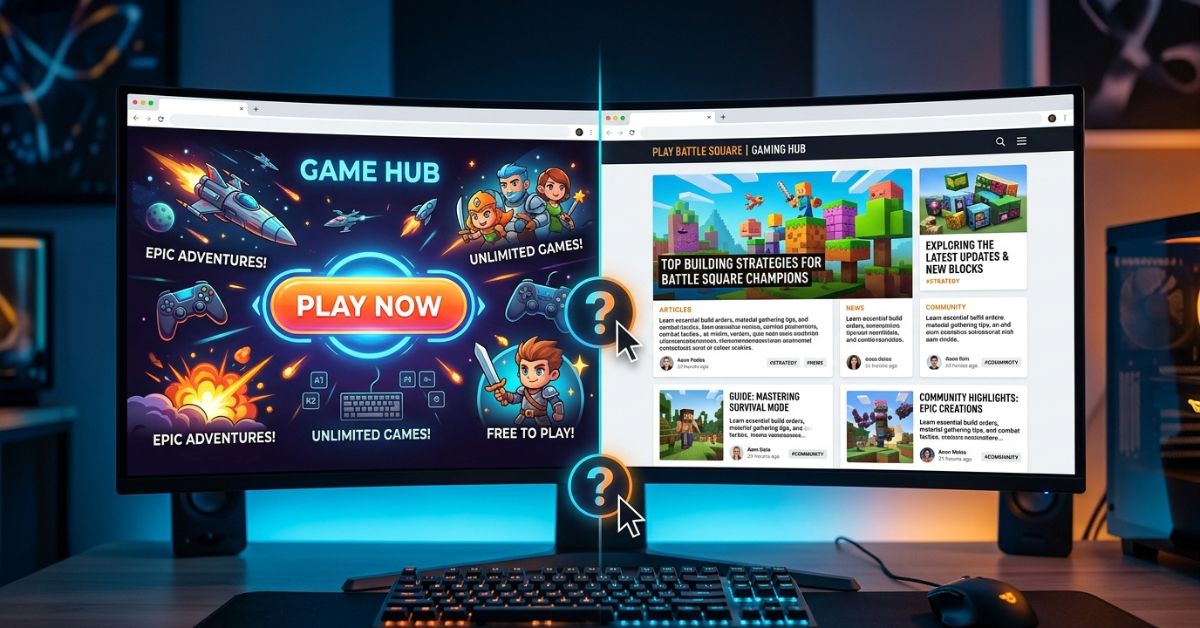
Finding new gaming websites can sometimes be confusing. You might go to a website hoping to click a big play button, but you end up on a page with a long story instead. If you want to know about playing games on PlayBattleSquare, this guide will show you what the site has, how to find your way around, and what you can actually play.
What Is PlayBattleSquare?
PlayBattleSquare is a gaming website that posts news, game tips, and helpful guides. The site is mostly a place for players to read help articles about popular games like Minecraft. Think of it as a reading site for information, not a game arcade in your web browser.
| Area | Details & What We Found |
| Site Purpose | A reading site for game news, tips, and guides. |
| Official Web Address | playbattlesquare.com |
| Kind of Content | Written posts, how-to guides, lists, and game reviews. |
| Playing Games Directly | Not found during tests; links lead to text or other websites. |
| Account Needed? | No account needed to open and read pages. |
| Mobile Access | Works on standard phone browsers. |
Can You Actually Play Games on PlayBattleSquare?
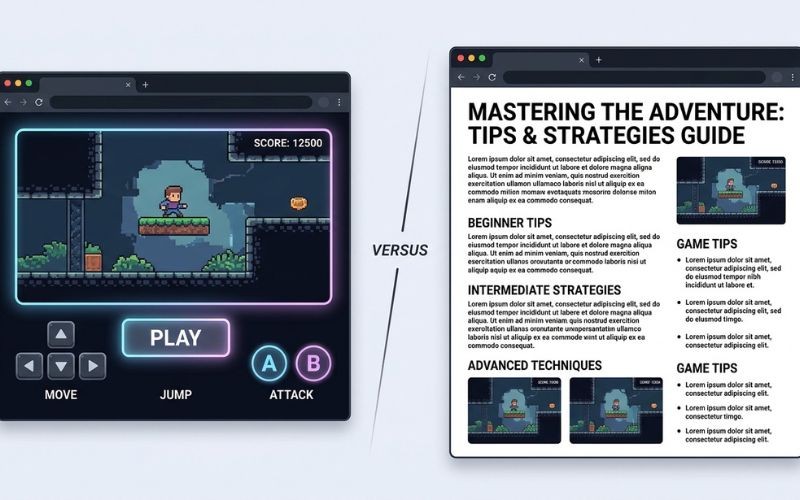
You cannot play games directly on the official PlayBattleSquare website right now. The website has written stories and news about games instead of playable game files. When you click a title, you will open an information post, not a playable game screen.
Some other websites call PlayBattleSquare a place to play instant arcade games. However, our tests showed these pages are just reading guides. If a real game ever shows up on a page, it is usually hosted by a different website or sends you to a new web address.
| Feature | Status | Evidence & What You Should Know |
| Direct Gameplay | Not Found | Tests showed written articles instead of game screens. |
| Game Collection | Not Found | The site does not have a central list of games to play. |
| Browser Play | Unclear | Any game on the page comes from an outside website host. |
| Downloads | Not Found | The site does not give you game files to download. |
| Multiplayer | Not Found | No rooms or tools to play with friends on the site. |
| Tournaments | Not Found | No contests, competitions, or prize lists are hosted. |
Guide Page vs. Game Page
Here is how to tell what kind of page you opened:
- A Game Guide Page: Has text, tips, ideas, and pictures. It tells you how to play a game on a different device, like a game console or a phone.
- A Playable Game Page: Has a game screen with a start button, sound controls, and pictures that move when you click your mouse or touch your phone screen.
How to Find and Start a Game on PlayBattleSquare
If you want to look around the website and see what is there, follow these easy steps.
Finding a Game or Topic Section
- Open your web browser and go to the official website address.
- Look at the menu bar at the top of the page to see the main topics.
- Click on topics like “Games,” “Guides,” or “Minecraft.”
- Scroll down the list and pick a story topic you want to read.
Starting a Playable Game
- Click the title of the post you want to open.
- Wait for the web page to load completely.
- If there is a game box on the page, look for a “Start” or “Play” button in the middle.
- Click once inside the box so your keyboard controls work for the game.
What to Do If You Only Find an Article
If you open a link expecting a game but only see text, you opened a guide post. Read the text to see if the writer put a link to the real game maker’s website. You can also use the site’s search bar to look for a different topic.
Do You Need an Account or Download?
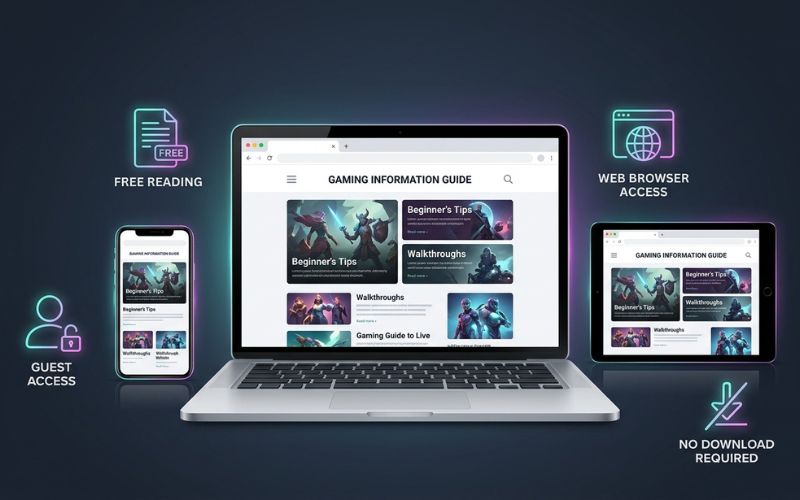
You do not need to make an account or download any software to use PlayBattleSquare. You can read everything right away as a guest without signing up or saving files to your device.
| What Is Needed | Status | What You Should Know |
| Making an Account | Not Needed | You can read articles as a guest without logging in. |
| Downloading Files | Not Needed | Reading guides needs no extra apps; do not save unknown files. |
| Web Browser | Needed | Works on standard modern browsers like Chrome and Safari. |
| Paying Money | Free | Reading articles costs no money and needs no bank card. |
| Outside Links | Varies | Some articles may link away from the site to other pages. |
Which Games and Gaming Content Are Available?
PlayBattleSquare sorts its website by reading topics rather than game types like action or puzzle. You will find written stories about popular titles alongside web articles.
Browser or Online Games
While the site does not have a large arcade, it sometimes posts reviews and news about simple web games. These are small internet games that run inside your web browser using arrow keys or phone taps.
Minecraft Content
Minecraft is a huge topic on PlayBattleSquare. However, it is important to know what this section gives you:
- What it is: A collection of helpful guides, building tips, crafting recipes, and server lists.
- What it is NOT: A free copy of the Minecraft game or an official server.
PlayBattleSquare does not host an official Minecraft server and is not connected to Mojang Studios or Microsoft. The tips are written for players who already own the real Minecraft game on a computer, console, or phone.
| Resource Type | Playable Directly? | Category | Verification Status |
| Minecraft Tips | No | Learning Guide | Checked (Text & Pictures) |
| Web Arcade Posts | Unclear | Embedded Content | Unclear / Varies |
| Game Reviews | No | Written Post | Checked (Text Articles) |
| Strategy Tutorials | No | How-To Guide | Checked (Step-by-Step) |
Devices, Browsers, and Mobile Access
You can visit PlayBattleSquare on almost any device that connects to the internet. Because the website uses simple web code, you do not need a fast gaming computer to read the pages.
| Device Type | Supported Browsers | Test Results |
| Computers (Windows PC & Mac) | Chrome, Firefox, Edge, Safari | Pages open easily; pictures and text show up correctly. |
| Android Phones & Tablets | Chrome, Firefox | Pages shrink automatically to fit small phone screens. |
| iPhone & iPad (iOS) | Safari, Chrome | Fast loading; touching the screen makes scrolling simple. |
Is PlayBattleSquare Free and Safe to Use?
Reading articles and guides on PlayBattleSquare is totally free. You never have to pay money or enter bank details to read the posts.
What Should You Check Before Signing Up?
Even though you can read most pages without an account, stay careful anytime a website asks for details:
- Personal Information: Never give out private facts like your home address or bank information to read a blog.
- Cookies and Tracking: Websites use small files called cookies to show ads. You can change these settings in your browser.
- Outside Links: If clicking a link takes you to a different web address, check the new site name carefully.
- Unusual Downloads: Avoid pop-up boxes that tell you to update a player app or download a file to see text.
How to Find the Real PlayBattleSquare Website
Many popular blogs have copycat sites with names that look almost the same. Always check these safety items in your browser:
- [x] Make sure the web address says
playbattlesquare.comexactly. - [x] Look for the secure lock icon next to the web address at the top.
- [x] Avoid web addresses with extra letters, wrong spellings, or weird endings.
Safety Note: Our tests showed normal web setup and standard security on the main site. However, we cannot guarantee the safety of other websites linked inside the articles.
What to Do When a PlayBattleSquare Game Does Not Work
If a web page or game box does not open correctly, try these easy fixes.
| Problem | Simple Cause | Easy Fix |
| Page opens, but the box stays black | An ad blocker app is stopping the game box. | Turn off your blocker app for a moment and reload the page. |
| Page runs slowly | Too many tabs are open or your browser memory is full. | Close extra browser tabs and clear your browsing data. |
| Keys do not work | You have not selected the game box. | Click once inside the media box to select it. |
| Error message shows up | A link is broken or the outside website is offline. | Try a different browser or check the link again later. |
PlayBattleSquare vs. a Regular Browser Gaming Website
Comparing PlayBattleSquare to standard browser game sites shows how different it is.
| Comparison Point | PlayBattleSquare | Regular Browser Game Site |
| Main Purpose | Strategy guides, news, and reading pages. | Instant games you can play right away. |
| Content Type | Written articles, tips, and outside links. | Hundreds of sorted arcade and puzzle games. |
| Account Needs | None needed to read pages as a guest. | Sometimes needed to save your game points. |
| Playing with Others | No live chat or friend features on the site. | Live chat rooms, friend lists, and scoreboards. |
Final Verdict: Is Playing Games on PlayBattleSquare Worth Trying?
PlayBattleSquare is a helpful reading site if you want game news, Minecraft tips, and strategy guides. Its best feature is that its articles are free to read without making an account or downloading files.
However, if you are looking for a game arcade with instant multiplayer games to play, this website will not give you what you want. Understanding that it is a reading blog helps you use it the right way for news and game help.
Frequently Asked Questions About Playing Games on PlayBattleSquare
What is PlayBattleSquare?
PlayBattleSquare is a gaming reading site that posts news, strategy guides, and tips for video games.
Can you play games directly on PlayBattleSquare?
We did not find direct games during our tests. The site is made of written articles, though some posts talk about outside games.
How do you find games on PlayBattleSquare?
You can use the top menu bar or the search box to look for specific game titles and guides.
Do you need an account to play?
No, you do not need an account or sign-in profile to open and read pages on the site.
Is PlayBattleSquare free?
Yes, reading the articles and guides on the website costs no money.
Does PlayBattleSquare require a download?
No, you do not need to download files or apps to read the website posts.
Can you use PlayBattleSquare on a mobile phone?
Yes, the site works on phone browsers for both Android phones and iPhones.
What games are on PlayBattleSquare?
The website has written guides for games like Minecraft instead of a big list of playable games.
Does PlayBattleSquare have Minecraft games?
The site gives you Minecraft tips and guides, but it does not let you play the actual Minecraft game.
Does PlayBattleSquare have multiplayer games?
No game servers, group rooms, or matching tools were found on the site.
Does PlayBattleSquare have contests or score lists?
No, the site does not host game contests, tournament brackets, or public scoreboards.
Is PlayBattleSquare safe to use?
The site is safe for reading guides on its official address, but be careful if you click links that take you to other websites.
How can you tell if you are on the real PlayBattleSquare website?
Look at your browser bar at the top to make sure the web address says playbattlesquare.com with a lock icon.
What should you do if a game page on PlayBattleSquare does not load?
Try refreshing the page, turning off ad blockers, clearing your browser data, or opening the site in a different browser.
Is PlayBattleSquare connected to Minecraft, Mojang, or Microsoft?
No, PlayBattleSquare is an independent website and is not connected to Mojang Studios or Microsoft.
Handpicked For You:
Crew CloudySocial Explained: What It Is, Features, Safety & Alternatives
Socials and Softwares AlienSync Explained: Features, Uses, Safety & Alternatives
Disclaimer:
This article is for informational and educational purposes only. It is based on information and testing available at the time of writing. Website features may change, and readers should verify details before taking action. Some images may be AI-generated for illustrative purposes. All copyrights and trademarks belong to their respective owners.